MyDataHelps Designer allows custom notifications to be sent to participants via push, SMS, and email. See Participant Notifications Overview for general information on notifications and related articles.
Push Notification Fields
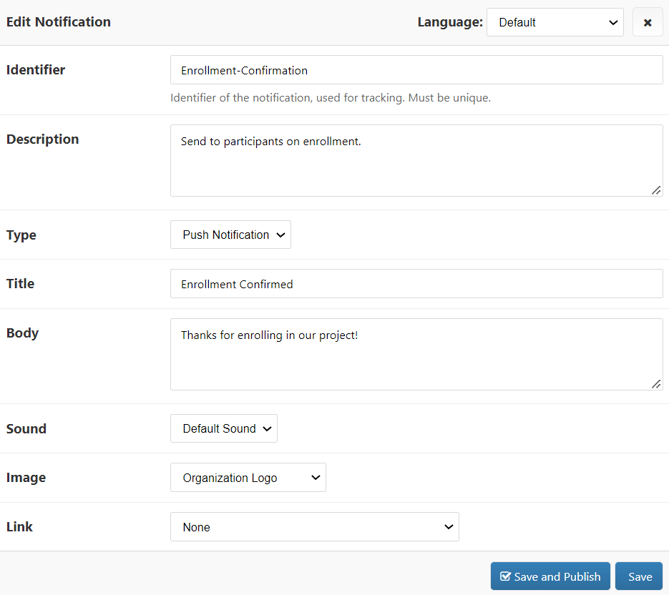
Push notifications can be used to send brief messages to participants via their mobile device, as long as they have the MyDataHelps app installed and notifications enabled. These will automatically open the app when clicked, but they can also be configured to direct the participants to a specific survey or tab within the app.
SMS Notification Fields
SMS notifications, or text messages, can be a good communication method for projects that require the participant's phone number, but don't require interaction with the mobile app (i.e., if the participant is expected to use the app, you may prefer to use push notifications).
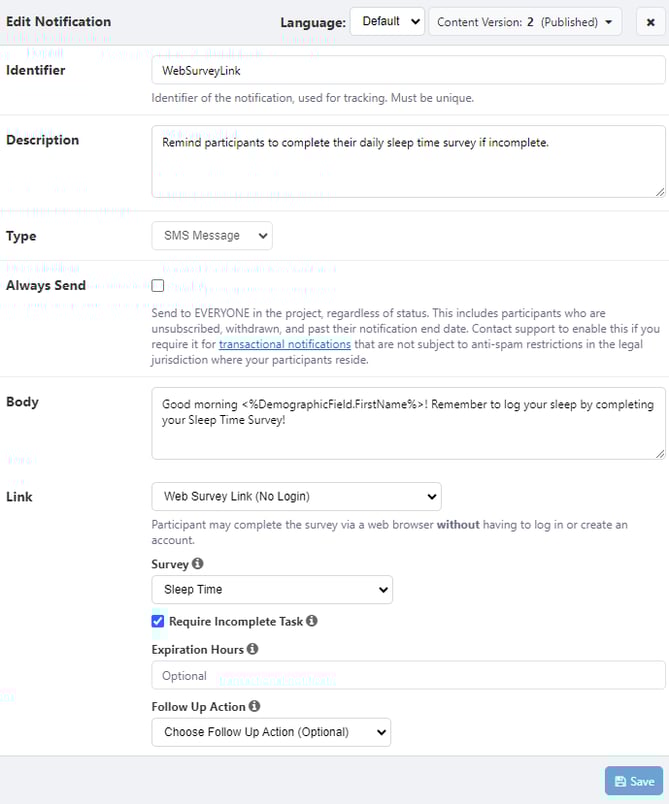
SMS notifications with > 140 characters risk being split up into multiple text messages. We recommend you keep SMS notifications succinct and test prior to project launch.
Email Notifications
Email notifications are a great method for communicating with participants. These can be especially useful for projects that don’t require participants to use the mobile app. You might also use them to deliver a Consent PDF.
The following sections cover the various fields you can define when configuring email notifications and the pre-configured email template options available to help you quickly build out your content.
Regardless of the template used, it is a recommended best practice to test the delivery of your email notifications using real emails, on various email applications, before sending to participants.
Standard Fields
When first creating an email notification, you will be presented with the following fields:
Template Type: None
If you do not wish to use a pre-configured email template, select “None.” This option is recommended for study teams that want the most flexibility in creating/coding their email notifications.
This template will present you with the following additional field:
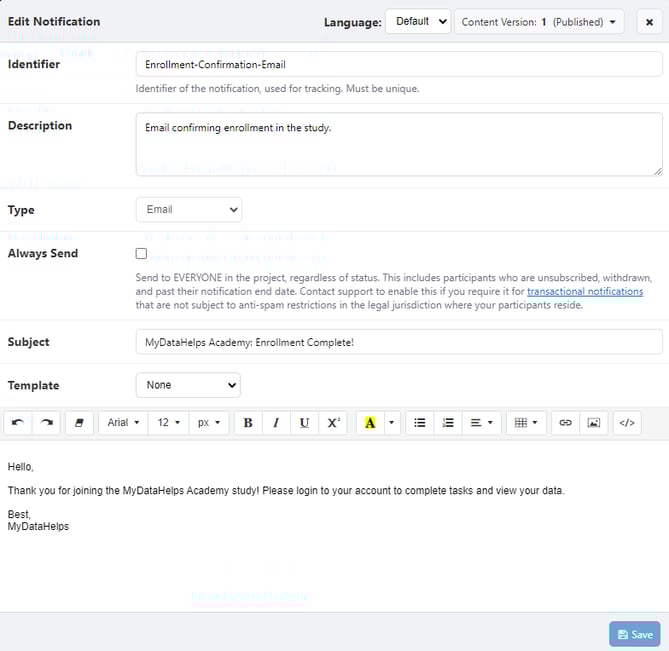
To upload an image from your computer to your email notification, either drag and drop it into the rich text editor window or click the image icon in the toolbar. This image will automatically be hosted by CareEvolution. To view the "Source" URL of the hosted image, click on the image, then click the pencil icon.
Template Type: Call to Action
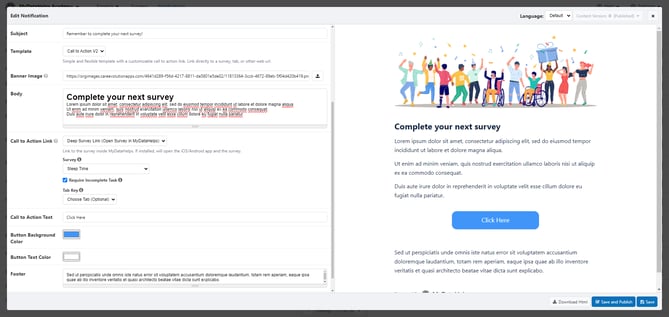
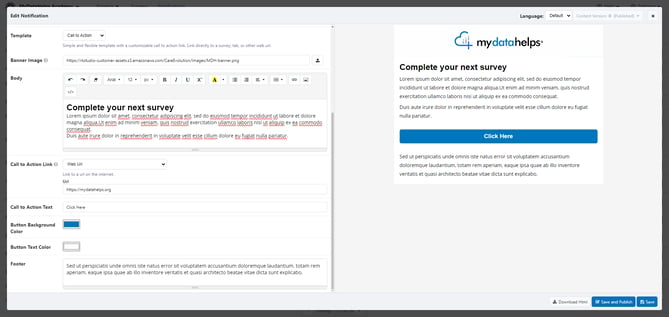
There are two Call to Action templates available in MyDataHelps Designer. The Call to Action templates are meant to guide participants to complete a specific action. This can be very effective for directing participants to complete a survey or to visit a link with resources.
Call to Action V2 Template
This template will present you with the following additional fields:
[Legacy] Call to Action Template
This template will present you with the following additional fields:
Template Type: Informational
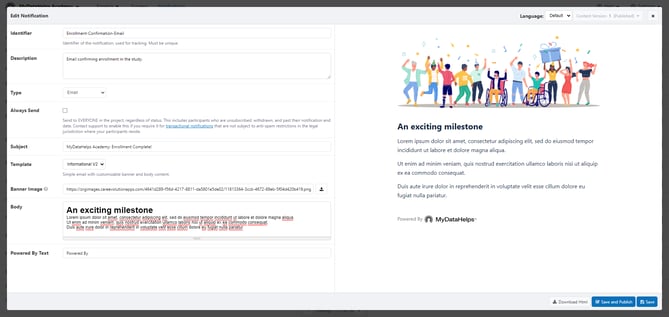
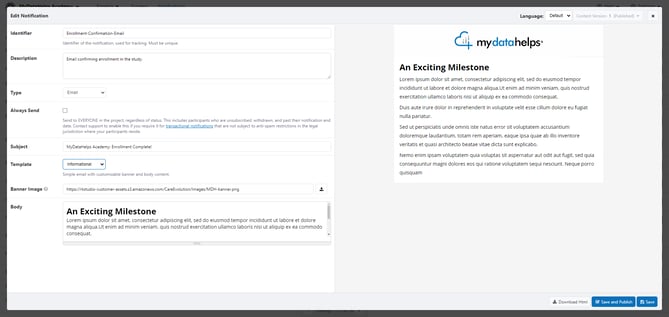
There are two Informational templates available in MyDataHelps Designer. The Informational templates provide the foundation for quickly creating a simple email, including a banner image at the top. This can be used for many purposes, including congratulating participants on a milestone or confirming information.
Informational V2 Template
This template will present you with the following additional field:
[Legacy] Informational Template
This template will present you with the following additional field:
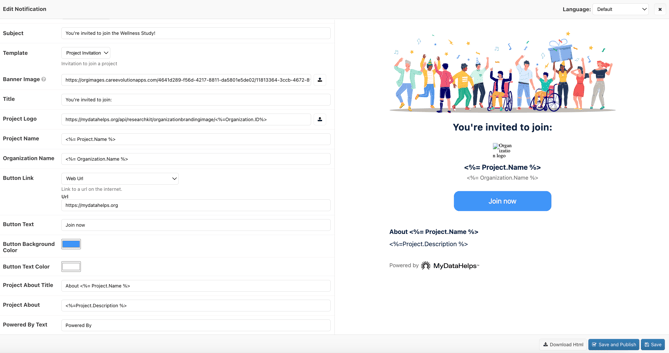
Template: Project Invitation
The Project Invitation template allows study teams to seamlessly create a visually appealing and informational invitation email. This can be used to provide prospective participants an easy way to enroll into the study as well as provide a brief study overview.
This template will present you with the following additional field:
Inbox Notifications
Inbox notifications are an internal method of communicating to participants, i.e., the participant can only view them while logged into MyDataHelps. These can be especially beneficial if you want to share information with the participant, but don't want to overburden them with notifications. Alternatively, you can use these to create a curriculum for participants - distributing Inbox messages and resources based on a specific schedule or survey responses.
There are two types of Inbox notifications:
- Messages
- Resources
Messages
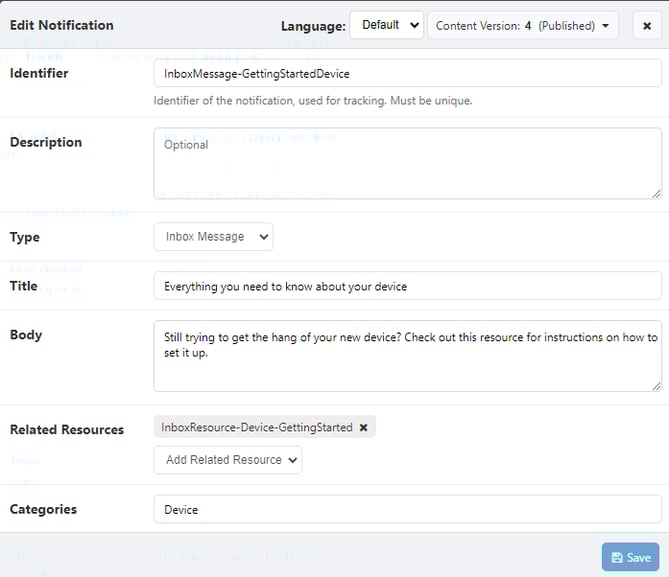
Inbox Messages are the basic building block of Inbox notifications - you can set a title that displays to the participant and body text that will display when the participant opens the message. Additionally, you can attach related Inbox Resource(s) to the message for participants to view.
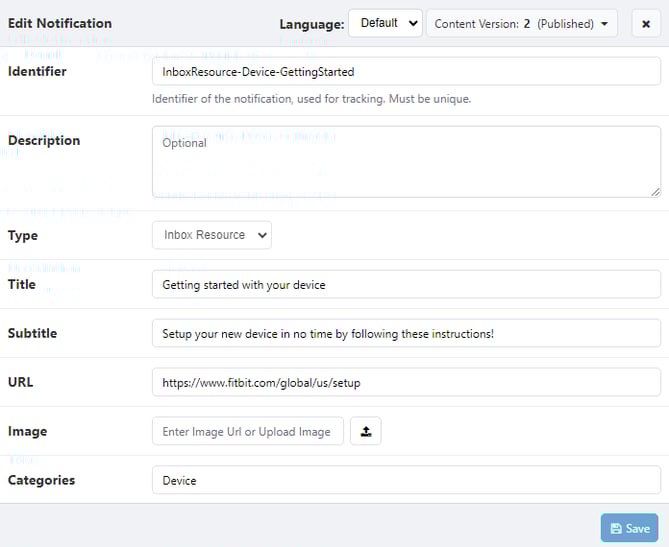
For example, you may wish to send a message about getting started with a new wearable device. Within that message, you can link to a resource, which links out to the device manufacturer's set up guide.
Resources
Resources should be used when you want to share a link with a participant (e.g., a site that provides education on a device they’re using or a specific condition). Resources can be sent as a standalone Inbox notification or combined with an Inbox Message.