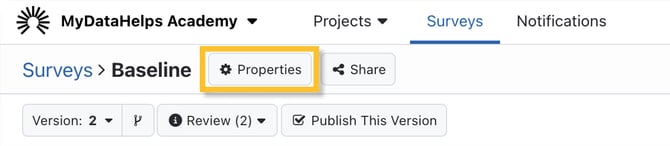
While editing a survey you can adjust various properties (e.g., display name and description) to control how the survey is displayed to participants. To update these, click the Properties button at the top of the editor.
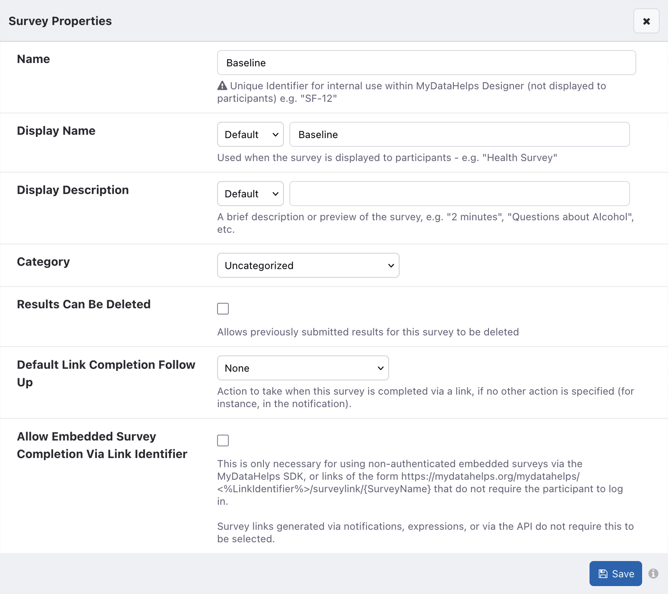
 The Survey Properties modal contains all of the configurable properties for the survey. Be sure to save any changes you make before closing the modal.